Your phone is already full of the content. Fades, color corrections, balayage transformations, fresh lineups. You take photos of your work every single day. Most barbershops and salons are sitting on a goldmine of social media content and doing almost nothing with it.
That changes today. This is the playbook for turning what you already do behind the chair into a consistent stream of posts that actually fill your book. No fluff, no "post inspirational quotes on Mondays" advice. Just what works for shops in Sterling Heights, Shelby Township, Clinton Township, and the rest of Macomb County.
Why Is Social Media Easy for Barbershops and Salons?
Barbershops and salons generate visual content naturally during every appointment. Before-and-after transformations, fresh fades, and color corrections are inherently engaging on platforms like Instagram and Facebook. Unlike most small businesses, shops rarely need to manufacture content ideas — the work itself is the content.
Think about what other businesses have to work with. An accounting firm? They're trying to make tax prep interesting. A plumber? They're photographing pipes. You? You create visual transformations all day long. Every client who sits in your chair is a potential piece of content.
A fresh skin fade is genuinely satisfying to look at. A balayage before-and-after stops people mid-scroll. A beard trim timelapse is the kind of content that people share with their friends. You don't have to manufacture interest. The work itself is interesting.
The problem is never "what do I post?" The problem is getting it off your phone and onto your page in a way that's consistent. Most shop owners on Van Dyke or Hall Road have the same story: they post five times in one week, feel good about it, get busy, and don't post again for a month. Your camera roll is full. Your Instagram grid is empty.
That gap between what you do and what you share is where you're losing clients to the shop down the street that posts every day.
What Should a Barbershop or Salon Post on Social Media?
The four most effective social media post types for barbershops and salons are before-and-after transformations, behind-the-chair personality content, local community shout-outs, and direct booking reminders. Rotating these four formats three to four times per week provides consistent visibility without requiring a complex content strategy.
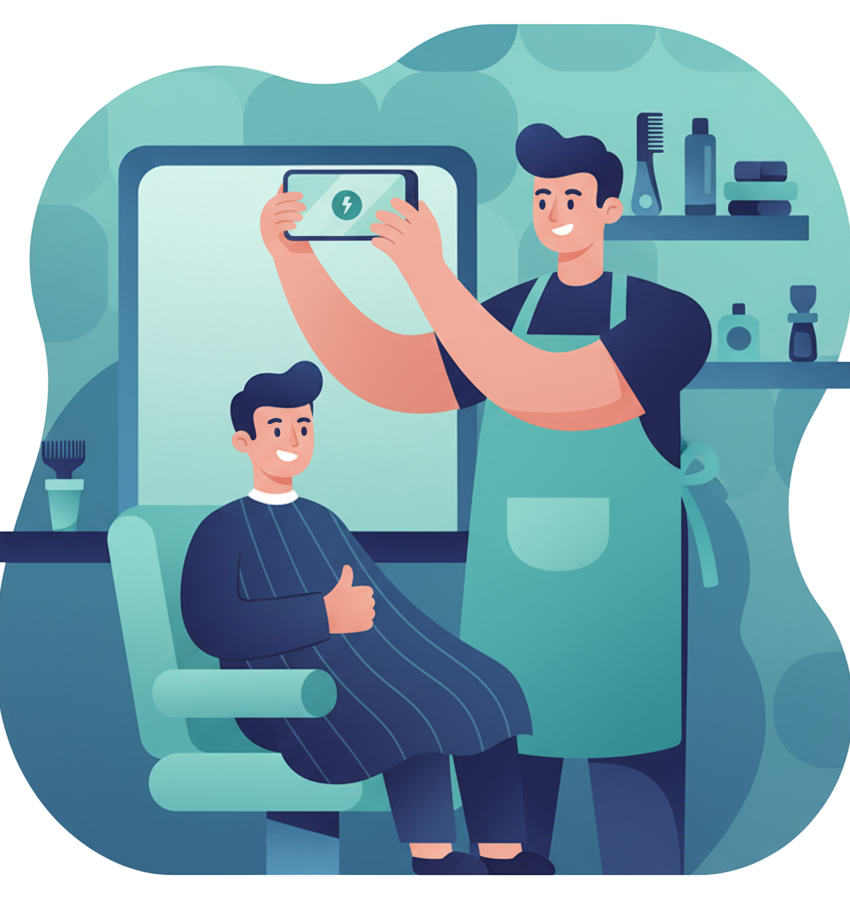
You don't need a content calendar with 47 categories. You need four types of posts, rotated through the week. That's it.
1. The Before-and-After
This is your workhorse. Nothing converts a follower into a booked client faster than proof of what you can do. A clean side-by-side of messy-to-fresh, roots-to-blended, overgrown-to-sharp. We'll get into how to shoot these right in the next section.
2. The Chair Talk
This is the personality post. A quick story from the day. Something funny a client said (with permission). A shot of your station setup on a busy Saturday morning. The playlist you've got going. The vibe of your shop.
This is what separates you from every other barber or stylist in Macomb Township. Your skill might be comparable. Your personality and your shop's atmosphere are what make someone drive past three other options to get to you.
3. The Community Post
You cut hair for people in your neighborhood. Talk about the neighborhood. The Shelby Township farmers market starting back up. A shout-out to the pizza place next door. A local high school team you support. This isn't filler. This is how you become part of the local conversation instead of just another business page.
4. The Booking Nudge
Once a week, remind people that you exist and that spots fill up. "Saturday is almost full. Grab a slot." "Just had a cancellation at 2 PM, who needs a cut?" "Holiday weekend coming up, book now or walk in and hope."
This one feels obvious, but most shops never do it. They assume people know to book. People don't. They scroll past your page, think "I should get a haircut," and then forget. The nudge catches them in that moment.
Four types. Three to four posts a week. Rotate them. That's the whole system.
How Do You Take Good Before-and-After Photos for a Barbershop?
Effective before-and-after photos for barbershops and salons require consistent angle, distance, and lighting between both shots. Use the same position for each frame, rely on natural or overhead station lighting, and shoot a carousel showing front, profile, and back views. Tagging clients and writing descriptive captions increases organic reach and bookings.
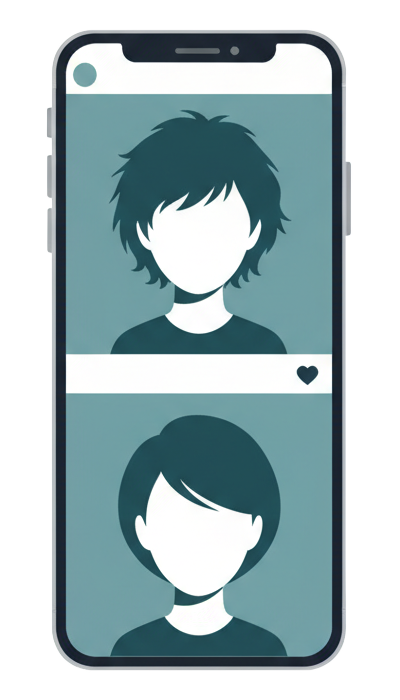
Before-and-after photos are the single most effective content type for barbershops and salons. They outperform every other post format in engagement and saves. But there's a difference between a before-and-after that books appointments and one that gets scrolled past.
Here's what separates the two:
Same angle, same distance. Take the before and after from the exact same spot. Don't shoot the before from three feet away and the after as a close-up. Consistency makes the transformation obvious. Your client's head should be in roughly the same position in both frames.
Lighting matters more than your camera. You don't need a DSLR. Your iPhone is fine. What you need is decent, consistent light. If your station has good overhead lighting, use it for both shots. If you're near a window, use the natural light. The biggest mistake is a dark, yellowish before shot and a bright, clean after. That looks like a filter trick, not a transformation.
Get permission and tag your client. Always ask before posting. Most people are happy to be featured, especially when they're feeling good about their new cut. If they're on Instagram, tag them. Their friends see the tag, check out your page, and now you've got organic reach you didn't pay for.
Write a real caption. Don't just post "Fresh cut" with six scissor emojis. Say something about the service. "Took about an inch off the top, cleaned up the neckline, and brought back the natural texture. This is a 30-minute cut, no appointment needed." That caption tells a potential client exactly what they can expect from you.
Post the back and the sides too. A carousel with the front, profile, and back view gives the full picture. People booking a haircut want to see the whole thing, not just the money shot from one angle.
How Do Barbershops Get More Google Reviews?
The most effective time to ask for a Google review is immediately after the service, while the client is still in the chair. Providing a QR code at each station that links directly to the Google Maps review form removes friction and significantly increases completion rates. Shops with higher review counts and ratings consistently rank higher in local "barber near me" searches.
Here's the move that most shops miss: ask for the review while your client is still in the chair.
You just finished the cut. You hand them the mirror. They're looking at themselves, feeling good. That is the moment. Not an hour later when they're stuck in traffic on Gratiot. Not the next day when they've moved on to thinking about dinner. Right now, while they're holding the mirror and smiling.
"Hey, if you're happy with the cut, I'd really appreciate a Google review. It helps more than you'd think." That's the whole script. Then hand them a card with a QR code, or have a small sign at the station with the link.
Make the QR code dead simple. It should open Google Maps directly to the review form. Not your website. Not a generic "find us on Google" page. The review form. Every extra tap you add is a tap where they give up.
Why does this matter so much? Because when someone in Warren searches "barber near me," Google shows them a map with three shops. The one with 247 reviews and a 4.8 rating gets the click. The one with 19 reviews and a 4.2 gets skipped. Your haircut quality might be identical. The reviews are doing the selling for you before anyone walks through the door.
If you want to go deeper on review strategy, we wrote a full guide on getting more Google reviews for Michigan small businesses.
We'll write sample posts for your shop.
Before-and-afters, chair talk, community stuff. We'll research your shop, write real posts in your voice, and show them to you before you pay anything. No commitment, no credit card.
See Your Sample Posts →What Social Media Mistakes Should Barbershops Avoid?
The most common social media mistakes for barbershops and salons include using stock photos instead of real client work, posting generic motivational quotes, going weeks without posting, neglecting the Google Business Profile, and spreading effort across too many platforms. Consistency on one or two platforms outperforms sporadic posting everywhere.

You can do everything right and still undercut yourself with a few common mistakes. Here's what to watch out for:
Stock photos
If you're a barbershop in Chesterfield posting a stock photo of a model in a studio somewhere in LA, people notice. It looks corporate. It looks fake. It looks like you don't actually have any work to show. Use your own photos. Even a slightly imperfect shot of a real client in your real chair is ten times more powerful than a polished stock image.
Generic motivational quotes
"Success is a journey, not a destination" on a gradient background has never booked a single haircut in the history of barbershops. If you want to post something text-based, make it about your craft. "A good fade starts with a sharp blade and a client who sits still." That's at least funny. That's at least you.
Inconsistency
This is the killer. Not bad content. Not the wrong platform. Just stopping. A potential client checks your Instagram, sees the last post was from six weeks ago, and assumes you're closed or not taking clients. Consistency beats perfection every single time. A decent post three times a week will outperform a perfect post once a month.
Ignoring your Google Business Profile
You might be crushing it on Instagram but completely ignoring the place where most new clients actually find you. Your Google Business Profile needs updated hours, recent photos, and responses to every review. If your GBP still shows your old hours from last year, that's a problem.
Posting on every platform at once
You don't need to be on TikTok, Instagram, Facebook, YouTube, X, and Pinterest. Pick two. Instagram and Facebook are the right two for most barbershops and salons. Master those. Get consistent. If you want help figuring out which platforms make sense for your specific situation, we broke that down in our platform comparison guide for Metro Detroit businesses.
What Does a Weekly Social Media Schedule Look Like for a Barbershop?
A practical weekly social media schedule for barbershops and salons includes four posts: a Monday before-and-after carousel, a Wednesday behind-the-scenes or personality post, a Friday community shout-out or booking reminder, and a Saturday live Reel or Story. This cadence takes roughly 20 minutes per week using photos already on the barber's phone.
Here's what a solid week looks like for a barbershop or salon on social media:
- Monday: Before-and-after carousel from the weekend rush. Caption about the style, the service, the client's reaction.
- Wednesday: Chair talk. Behind-the-scenes shot, a story from the shop, your setup for the day. Show the personality.
- Friday: Community post or a booking nudge. Shout out a local business, highlight a neighborhood event, or remind people that Saturday is almost booked.
- Saturday: Another before-and-after or a quick Reel/Story showing the busy day in action. Live content from the chair.
Four posts. Maybe 20 minutes total throughout the week if you're organized about it. The photos are already on your phone. The stories are already in your head. You just need a system to get them out consistently.
And if you're reading this thinking "I know I should be doing this but I'm not going to," that's honest. Running a shop is a full day. You're on your feet for eight to ten hours cutting hair, managing walk-ins, ordering product. Social media is always the thing that gets pushed to tomorrow.
That's exactly the gap we fill. We work with barbershops and salons across Macomb County, writing content that sounds like the person behind the chair, not like a marketing agency. If you want to see what that looks like for your specific shop, the free audit is the easiest way to find out. We'll write sample posts for you, and you can decide from there.
Not sure if your shop even needs social media? We break that question down honestly. Already posting but feel stuck? Our 30 social media post ideas for small businesses will fill your content calendar for months. If your page looks like a ghost town, here are the 7 mistakes that might be causing it. And if your website needs work too, here's what a small business website costs in Michigan.
Wondering what professional help actually runs? Here's our breakdown of social media management costs in Michigan. If you're in the auto industry, we wrote a similar playbook for auto body shop social media. And if you're friends with any restaurant owners, send them our restaurant social media guide — same philosophy, different menu.
Right now, somewhere in Macomb County, there's a barber doing incredible work behind a chair that nobody on the internet knows about. The shop down the street that posts every day? Their cuts aren't better. They just have a phone and a system. You already have the phone. Let us build the system. Here's what it costs. It's less than one day's worth of walk-ins you're losing to the shop that shows up online.